附件与媒体
图片、视频、文档、音频及附件列表。
图片
按 EXIF 方向展示图片,点击后支持缩放、平移和旋转。
| API | FileAttachment(file), FileImage(file), ImageViewer(file, onDismiss) |
| AI Elements | Image |
| 依赖模块 | ai-elements-ui |
| API 文档 | FileAttachment |
设置实际 mediaType 和 url,可提供 filename。通过 LocalFileLoader 自定义下载和鉴权;点击图片会打开内置查看器。
import androidx.compose.runtime.Composable
import dev.ai.elements.core.model.FilePart
import dev.ai.elements.ui.chat.FileAttachment
附件列表
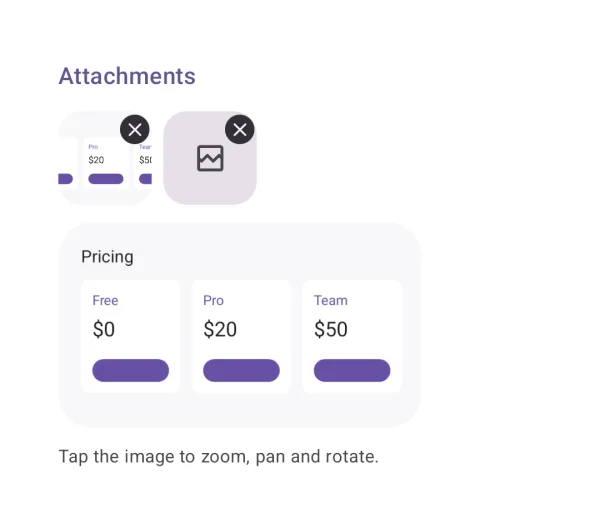
展示输入中的附件,并允许移除或查看。
| API | AttachmentStrip(attachments, onRemove), FileAttachment(file) |
| AI Elements | Attachments |
| 依赖模块 | ai-elements-ui |
| API 文档 | AttachmentStrip |
列表与文件选择器由应用管理。移除只改变附件列表,不会删除实际文件。
import androidx.compose.runtime.Composable
import androidx.compose.runtime.getValue
import androidx.compose.runtime.mutableStateOf
import androidx.compose.runtime.remember
import androidx.compose.runtime.setValue
import dev.ai.elements.core.model.FilePart
import dev.ai.elements.ui.chat.AttachmentStrip
@Composable
fun AttachmentsExample(initialFiles: List<FilePart>) {
    var files by remember { mutableStateOf(initialFiles) }
    AttachmentStrip(files, onRemove = { files = files - it })
}
视频
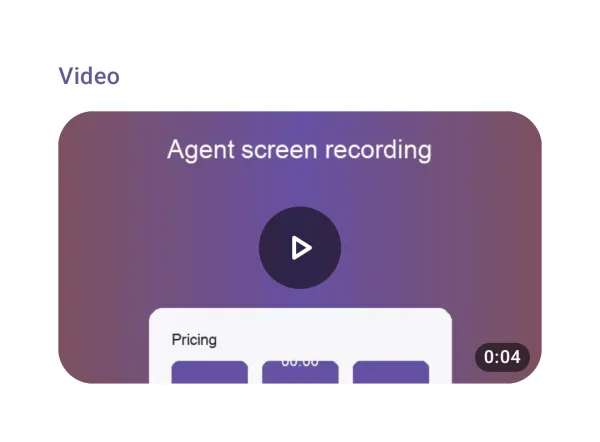
展示首帧与时长,点击后全屏播放。
| API | VideoAttachment(file) |
| 依赖模块 | ai-elements-ui |
| API 文档 | VideoAttachment |
使用实际媒体类型,例如 video/mp4。平台编解码器必须支持该格式,来源也需要可读取。
import androidx.compose.runtime.Composable
import dev.ai.elements.core.model.FilePart
import dev.ai.elements.ui.chat.VideoAttachment
PDF 与文档
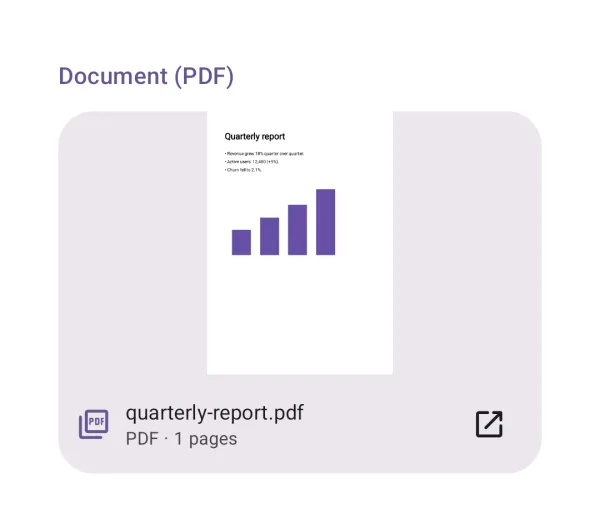
PDF 可预览首页并逐页查看,其他文档交给外部应用。
| API | DocumentAttachment(file) |
| 依赖模块 | ai-elements-ui |
| API 文档 | DocumentAttachment |
PDF 使用 PdfRenderer。其他格式需要设备安装相应查看器;文件通过库内 FileProvider 分享。
import androidx.compose.runtime.Composable
import dev.ai.elements.core.model.FilePart
import dev.ai.elements.ui.chat.DocumentAttachment
音频播放器与转写
播放音频,并让转写文本随时间高亮和定位。
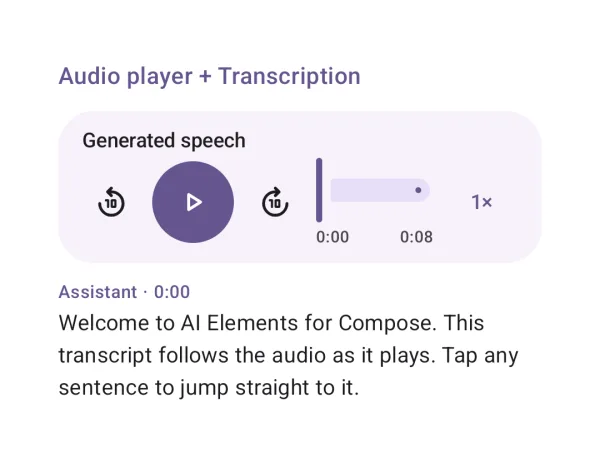
| API | AudioPlayer(state), Transcription(segments, currentTimeMs, onSeek) |
| AI Elements | AudioPlayer, Transcription |
| 依赖模块 | ai-elements-ui |
| API 文档 | AudioPlayer |
rememberAudioPlayerState 随 composition 创建和释放播放器。保持 source 稳定;转写时间与 seek 参数均以毫秒计。
import androidx.compose.foundation.layout.Column
import androidx.compose.runtime.Composable
import dev.ai.elements.ui.voice.AudioPlayer
import dev.ai.elements.ui.voice.TranscriptSegment
import dev.ai.elements.ui.voice.Transcription
import dev.ai.elements.ui.voice.rememberAudioPlayerState