Attachments and media
Files in a conversation: images, attachments, video, documents and audio.
Image
An image, upright by EXIF; tap for the viewer (zoom, pan, rotate).
| API | FileAttachment(file), FileImage(file), ImageViewer(file, onDismiss) |
| AI Elements | Image |
| Artifact | ai-elements-ui |
| Reference | FileAttachment |
Set mediaType and url, optionally filename. LocalFileLoader customizes byte loading and authentication; image taps open the built-in viewer.
import androidx.compose.runtime.Composable
import dev.ai.elements.core.model.FilePart
import dev.ai.elements.ui.chat.FileAttachment
Attachments
Files attached to a prompt, removable, and images that open full screen.
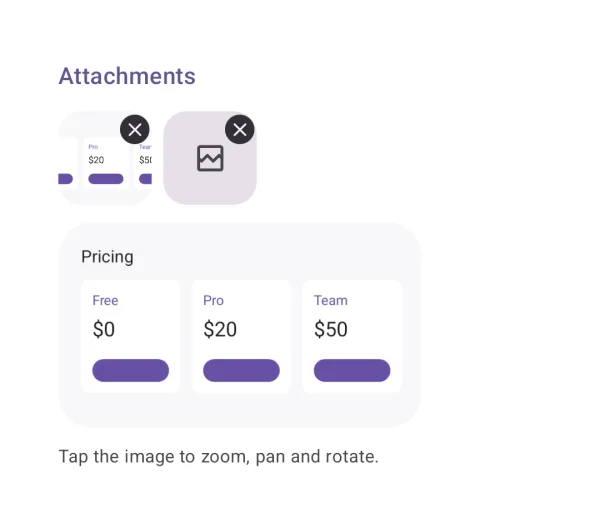
| API | AttachmentStrip(attachments, onRemove), FileAttachment(file) |
| AI Elements | Attachments |
| Artifact | ai-elements-ui |
| Reference | AttachmentStrip |
The app owns the list and file picker. Removal changes the list only; it does not delete the underlying file.
import androidx.compose.runtime.Composable
import androidx.compose.runtime.getValue
import androidx.compose.runtime.mutableStateOf
import androidx.compose.runtime.remember
import androidx.compose.runtime.setValue
import dev.ai.elements.core.model.FilePart
import dev.ai.elements.ui.chat.AttachmentStrip
@Composable
fun AttachmentsExample(initialFiles: List<FilePart>) {
    var files by remember { mutableStateOf(initialFiles) }
    AttachmentStrip(files, onRemove = { files = files - it })
}
Video
A video's first frame and duration; plays full screen.
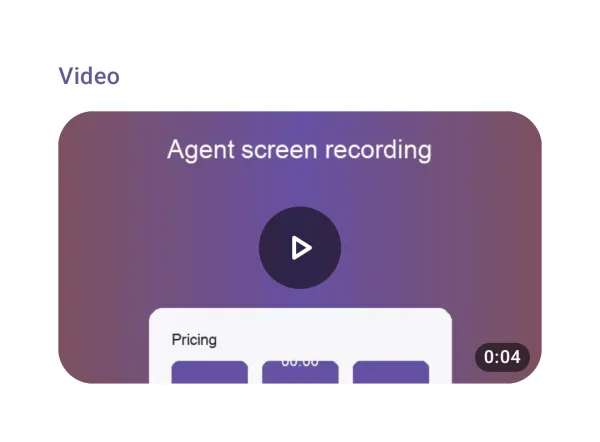
| API | VideoAttachment(file) |
| Artifact | ai-elements-ui |
| Reference | VideoAttachment |
Use mediaType=video/mp4 (or the actual type). The platform codec must support the file; preview and playback need a readable source.
import androidx.compose.runtime.Composable
import dev.ai.elements.core.model.FilePart
import dev.ai.elements.ui.chat.VideoAttachment
Document (PDF)
A PDF's first page and page count; every page in the viewer. Other formats open in an app.
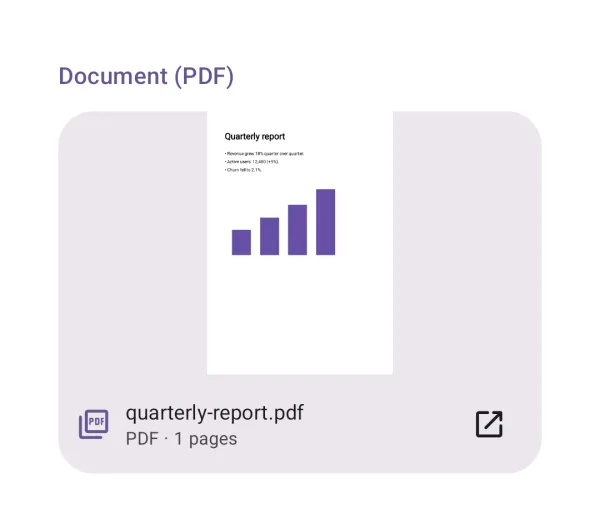
| API | DocumentAttachment(file) |
| Artifact | ai-elements-ui |
| Reference | DocumentAttachment |
PDF previews use PdfRenderer. Other formats need an installed viewer; files are shared through the library FileProvider.
import androidx.compose.runtime.Composable
import dev.ai.elements.core.model.FilePart
import dev.ai.elements.ui.chat.DocumentAttachment
Audio player + Transcription
Audio with a transcript that follows it and seeks on tap.
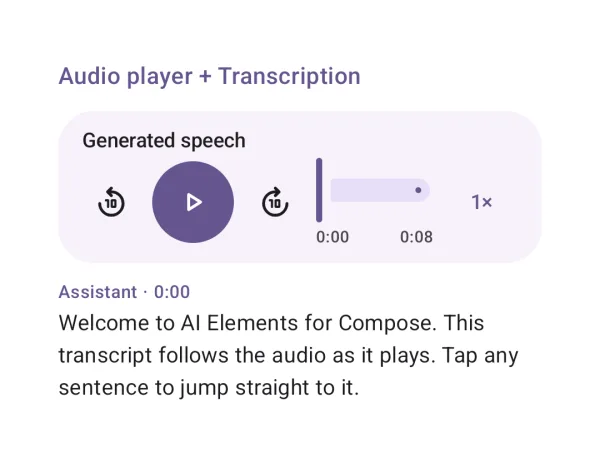
| API | AudioPlayer(state), Transcription(segments, currentTimeMs, onSeek) |
| AI Elements | AudioPlayer, Transcription |
| Artifact | ai-elements-ui |
| Reference | AudioPlayer |
rememberAudioPlayerState creates and releases the player with composition. Keep the source stable. Transcript times and seek positions are milliseconds.