Generative UI
Answers with interface: JSX and A2UI rendered natively, artifacts and web previews.
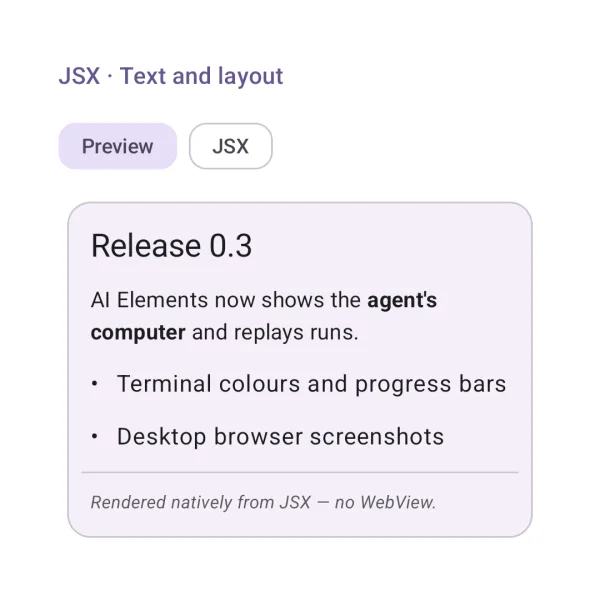
JSX · Text and layout
Model-written JSX rendered natively: headings, text, lists, dividers.
| API | JsxPreview(jsx), jsxCodeBlocks() |
| AI Elements | JSXPreview |
| Artifact | ai-elements-genui |
| Reference | JsxPreview |
Requires ai-elements-genui (minSdk 26). Supported JSX compiles to native A2UI components; arbitrary JavaScript is not executed.
import androidx.compose.runtime.Composable
import dev.ai.elements.genui.jsx.JsxPreview
import kotlinx.serialization.json.buildJsonObject
import kotlinx.serialization.json.put
@Composable
fun JsxTypographyExample() {
    dev.ai.elements.genui.jsx.JsxPreview("<div><h2>Summary</h2><p>Ready for review</p></div>", bindings = buildJsonObject { put("title", "Report"); put("description", "Ready"); put("choice", "a") })
}
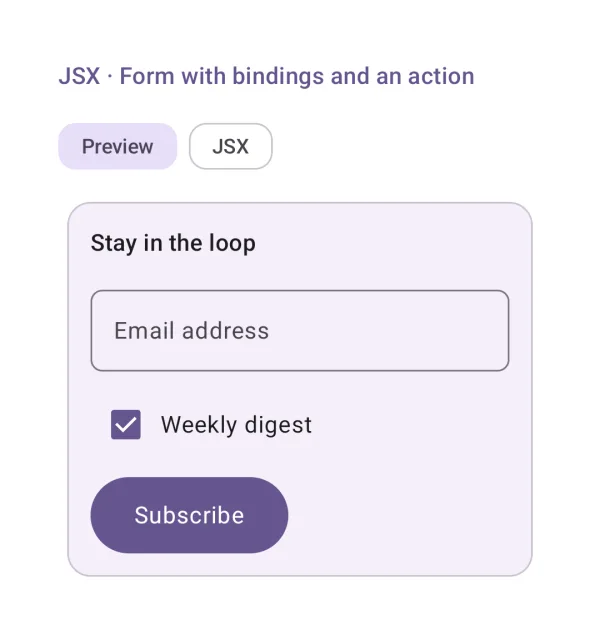
JSX · Form with bindings and an action
Inputs bound to the data model; onClick={subscribe} sends an action with it.
| API | JsxPreview(jsx, bindings, onAction) |
| AI Elements | JSXPreview |
| Artifact | ai-elements-genui |
| Reference | JsxPreview |
onAction receives the action name and current model. Validate and route it in your app; the renderer does not perform server writes.
import androidx.compose.runtime.Composable
import dev.ai.elements.genui.a2ui.A2uiAction
import dev.ai.elements.genui.jsx.JsxPreview
import kotlinx.serialization.json.buildJsonObject
import kotlinx.serialization.json.put
@Composable
fun JsxFormExample(onAction: (dev.ai.elements.genui.a2ui.A2uiAction) -> Unit) {
    dev.ai.elements.genui.jsx.JsxPreview("<div><input value={name}/><button onClick={save}>Save</button></div>", bindings = buildJsonObject { put("name", "Ada") }, onAction = onAction)
}
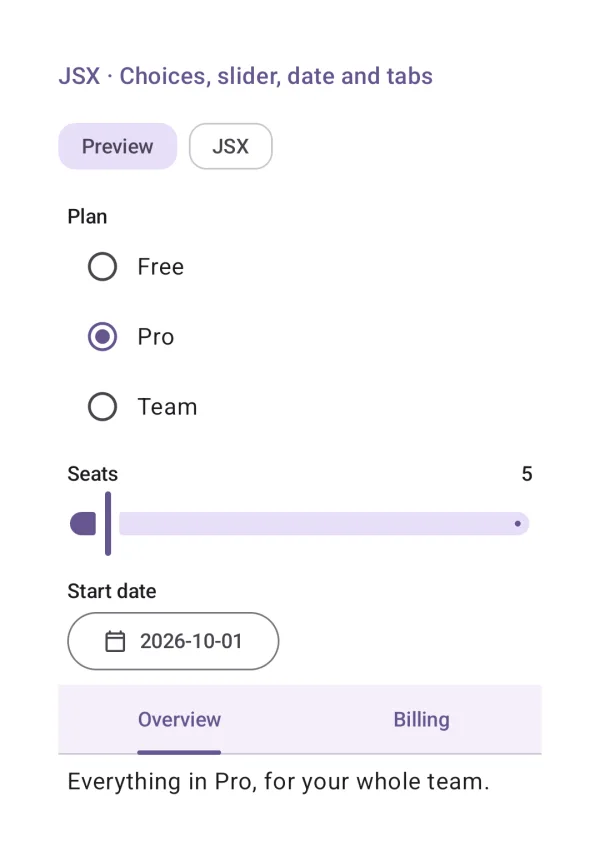
JSX · Choices, slider, date and tabs
<select> / <option>, <Slider>, <DateTimeInput> and <Tabs> in JSX.
| API | JsxPreview(jsx, bindings) |
| AI Elements | JSXPreview |
| Artifact | ai-elements-genui |
| Reference | JsxPreview |
Requires ai-elements-genui (minSdk 26). Supported JSX compiles to native A2UI components; arbitrary JavaScript is not executed.
import androidx.compose.runtime.Composable
import dev.ai.elements.genui.jsx.JsxPreview
import kotlinx.serialization.json.buildJsonObject
import kotlinx.serialization.json.put
@Composable
fun JsxControlsExample() {
    dev.ai.elements.genui.jsx.JsxPreview("<select value={choice}><option value=\"a\">Option A</option><option value=\"b\">Option B</option></select>", bindings = buildJsonObject { put("title", "Report"); put("description", "Ready"); put("choice", "a") })
}
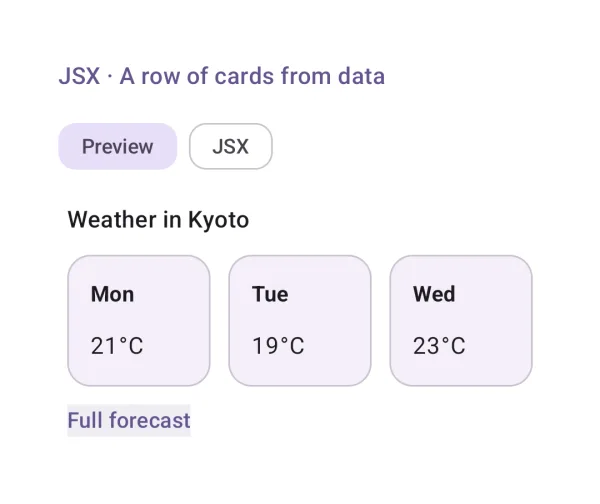
JSX · A row of cards from data
A layout of cards whose values come from bindings, and a link.
| API | JsxPreview(jsx, bindings) |
| AI Elements | JSXPreview |
| Artifact | ai-elements-genui |
| Reference | JsxPreview |
Requires ai-elements-genui (minSdk 26). Supported JSX compiles to native A2UI components; arbitrary JavaScript is not executed.
import androidx.compose.runtime.Composable
import dev.ai.elements.genui.jsx.JsxPreview
import kotlinx.serialization.json.buildJsonObject
import kotlinx.serialization.json.put
@Composable
fun JsxCardsExample() {
    dev.ai.elements.genui.jsx.JsxPreview("<div><h3>{title}</h3><p>{description}</p></div>", bindings = buildJsonObject { put("title", "Report"); put("description", "Ready"); put("choice", "a") })
}
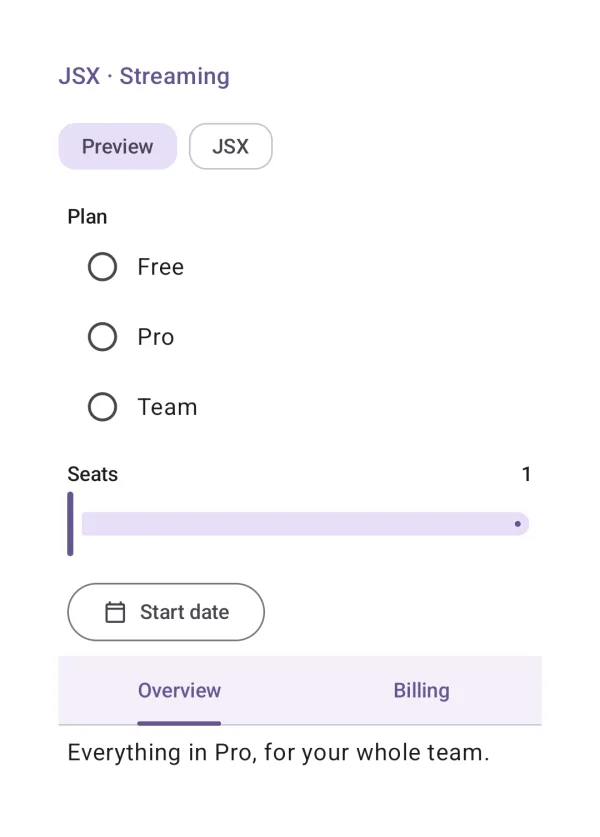
JSX · Streaming
JSX rendered while it streams in: half-written tags wait, what the user typed stays.
| API | JsxPreview(partialJsx) |
| AI Elements | JSXPreview |
| Artifact | ai-elements-genui |
| Reference | JsxPreview |
Pass accumulated JSX and keep the composable at a stable position while streaming. Incomplete tags wait; keep initial bindings stable to retain edits.
@Composable
fun JsxStreamingExample(partialJsx: String) {
    dev.ai.elements.genui.jsx.JsxPreview(partialJsx)
}
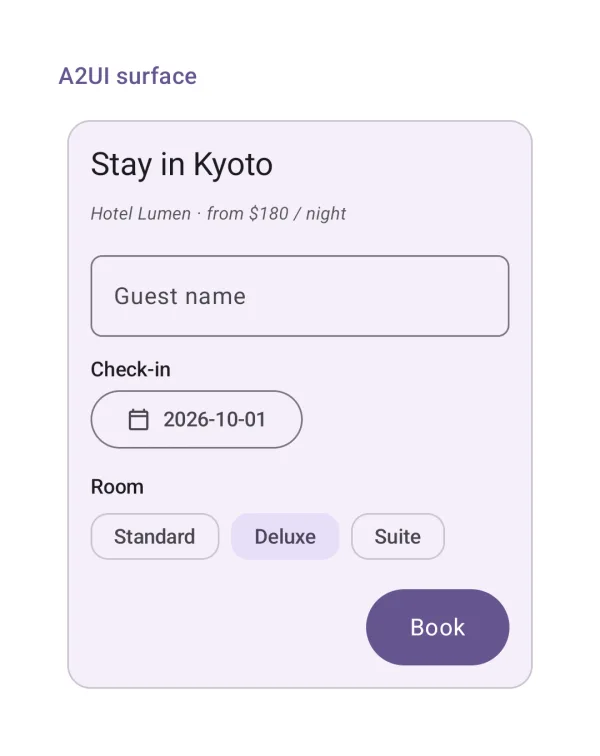
A2UI surface
An A2UI v1.0 surface (the reference server's booking form) rendered natively.
| API | A2uiSurfaceView(surface, onAction), a2uiRenderer() |
| Artifact | ai-elements-genui |
| Reference | A2uiSurfaceView |
Get a surface from A2uiState after processing standard A2UI events. For chat integration use a2uiRenderer and route actions through the transport binding.
import androidx.compose.runtime.Composable
import dev.ai.elements.genui.a2ui.A2uiAction
import dev.ai.elements.genui.a2ui.A2uiSurface
import dev.ai.elements.genui.a2ui.A2uiSurfaceView
@Composable
fun A2UiExample(surface: dev.ai.elements.genui.a2ui.A2uiSurface, onAction: (dev.ai.elements.genui.a2ui.A2uiAction) -> Unit) {
    dev.ai.elements.genui.a2ui.A2uiSurfaceView(surface, onAction = onAction)
}
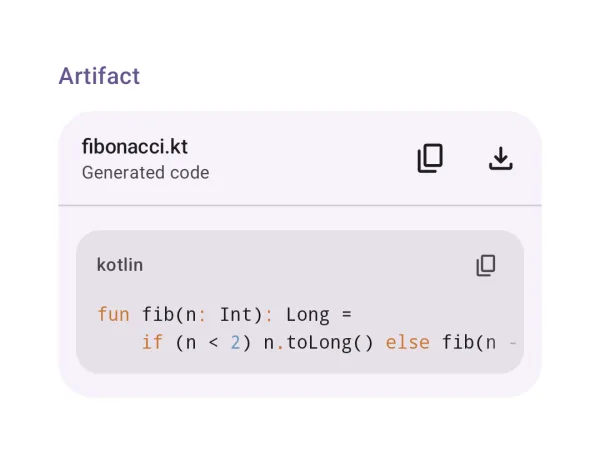
Artifact
A generated artifact with its actions.
| API | Artifact(title, description, actions) { … } |
| AI Elements | Artifact |
| Artifact | ai-elements-ui |
| Reference | Artifact |
Supply action buttons through the actions slot. The app owns save/share operations and associated permissions.
import androidx.compose.runtime.Composable
import dev.ai.elements.ui.code.Artifact
import dev.ai.elements.ui.markdown.CodeBlock
@Composable
fun ArtifactExample() {
    Artifact("answer.kt", description = "Generated code") { CodeBlock("val answer = 42", "kotlin") }
}
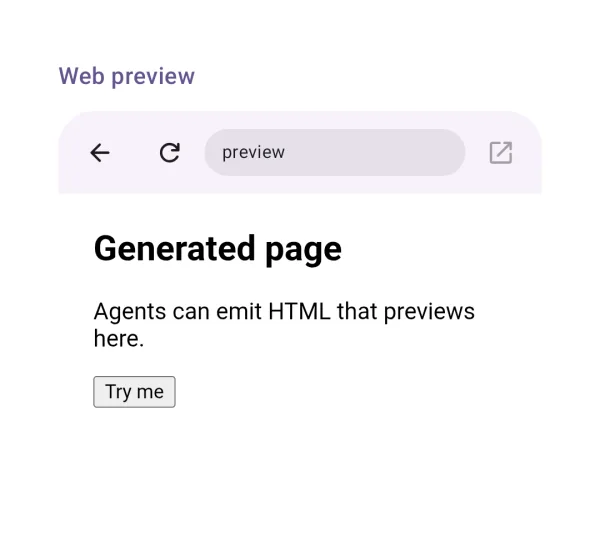
Web preview
A generated page or URL in a sandboxed WebView.
| API | WebPreview(url, html) |
| AI Elements | WebPreview |
| Artifact | ai-elements-ui |
| Reference | WebPreview |
Shows HTML or a URL in a sandboxed WebView. Do not treat preview content as trusted app UI; use MCP Apps for its standard server bridge.