Kotlin · Jetpack Compose · Material 3 Expressive
Build the conversation.
A complete chat screen or just the elements you need. Render streaming answers, tool approvals, sub-agents and generated interfaces with your own agent backend.
Get started Explore components
中文文档 · GitHub · API reference
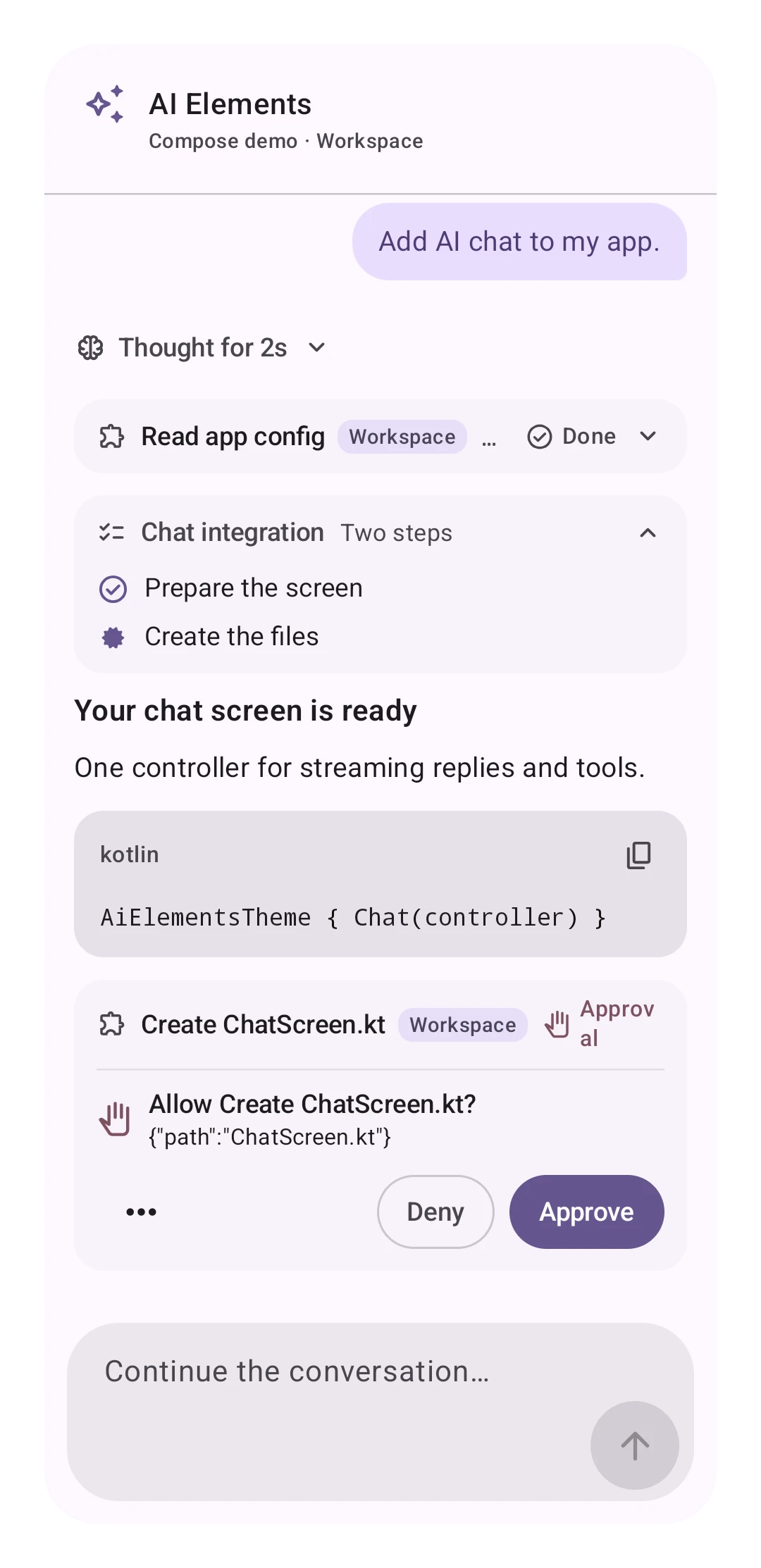
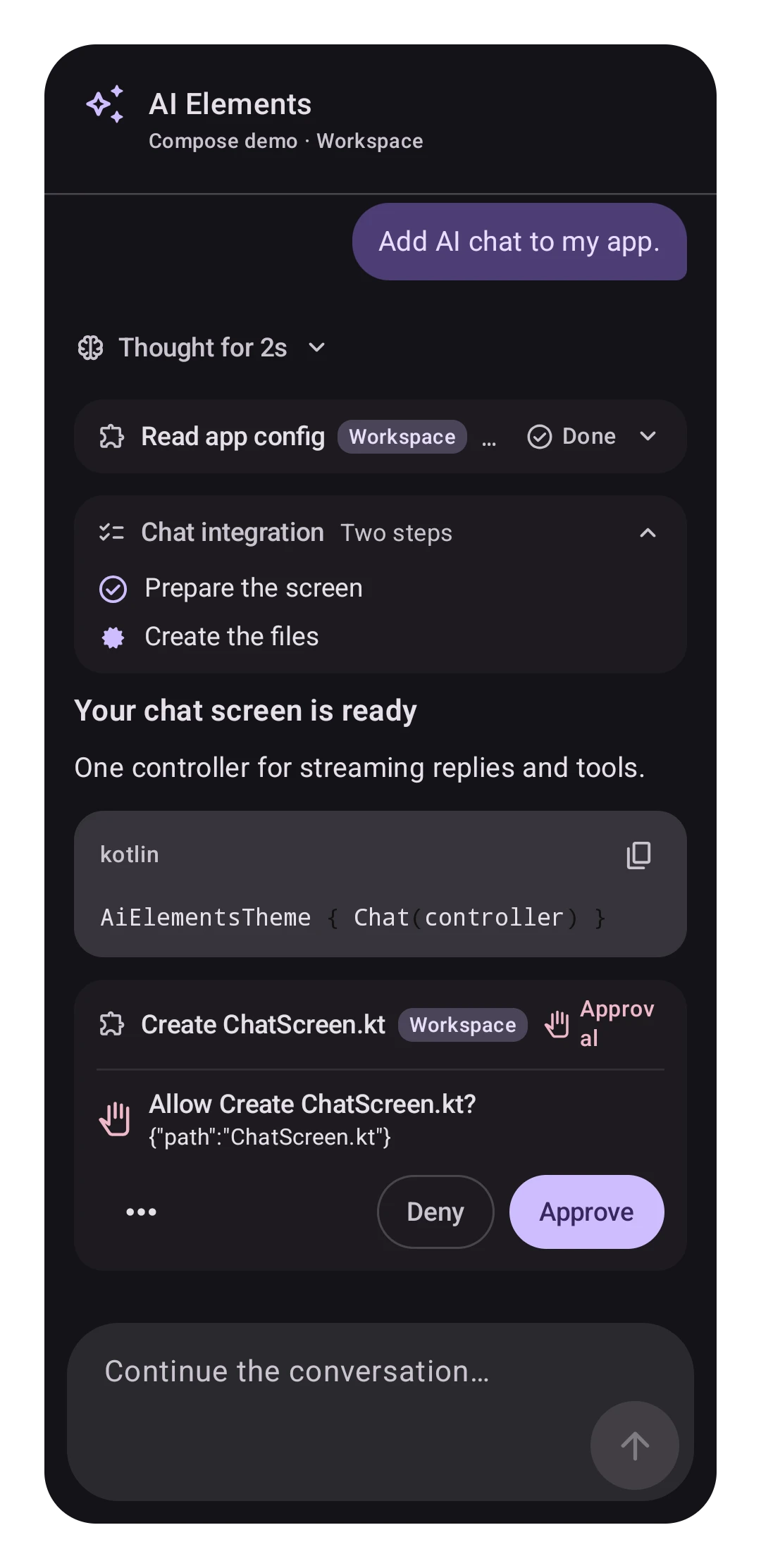
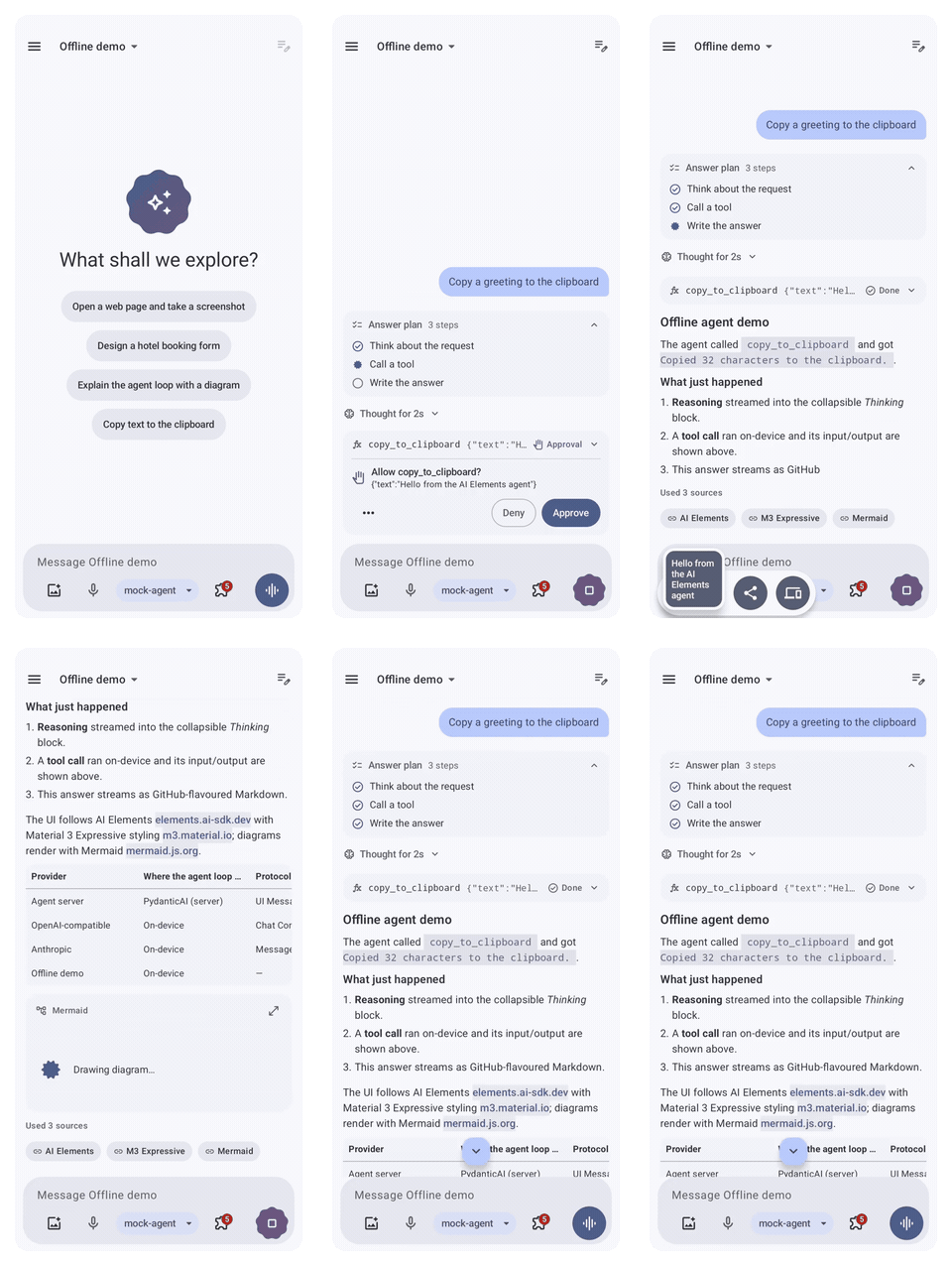
Watch a complete run
Prompt → plan and reasoning → tool approval → on-device execution → streamed reply. Recorded from the real Android app with a deterministic offline demo agent; no model key is needed.
Start with one screen
AiElementsTheme {
    Chat(rememberChat { approver -> AgUiBackend("https://agents.example.com/api/agui", approver = approver) })
}
Chat connects the conversation and composer to a controller. For an app, keep that controller
in a ViewModel. Follow the pure-client quick start for dependencies,
permissions, a runnable server and the complete setup.
Connect an existing agent
Use an AI SDK, AG-UI, A2A or ACP backend. The app renders messages, progress and human approvals. Your server keeps its agent runtime.
Run the agent in your app
Combine a model API with files, planning, memory and other optional capabilities. Use the same chat elements for on-device and server agents.
See what you can compose
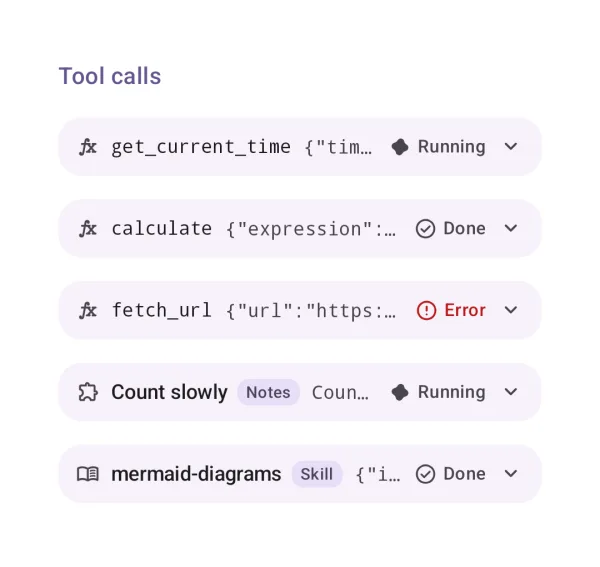
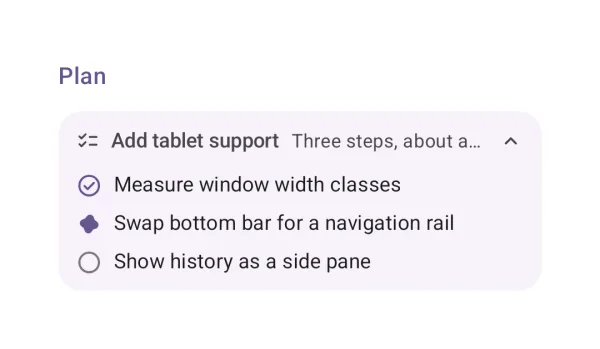
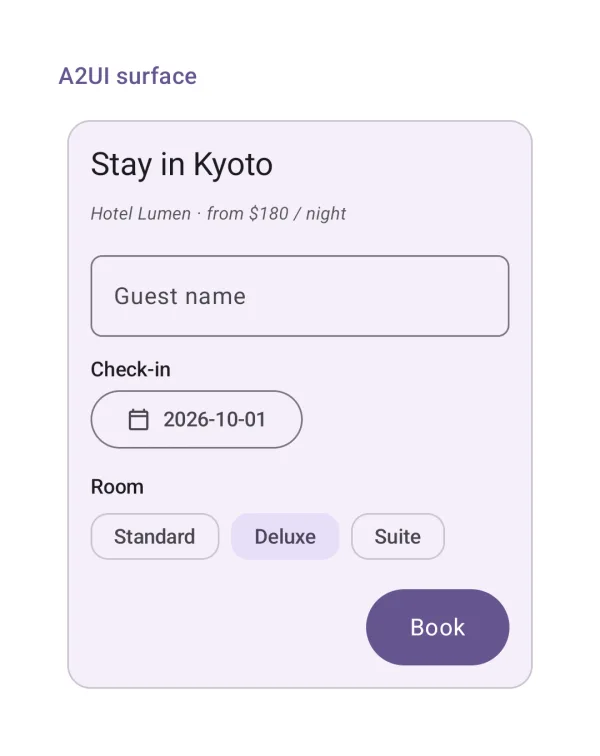
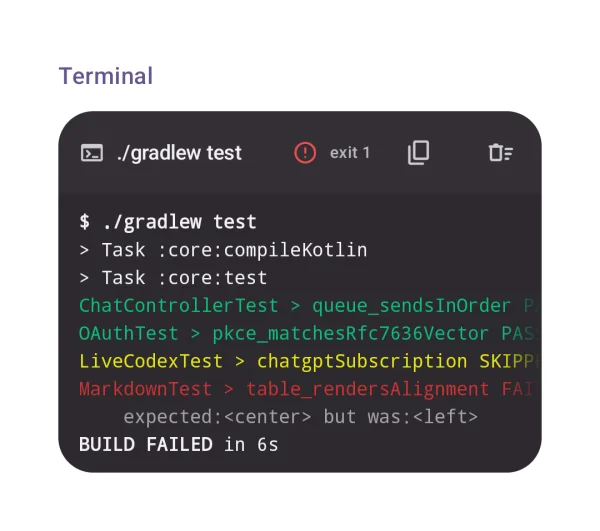
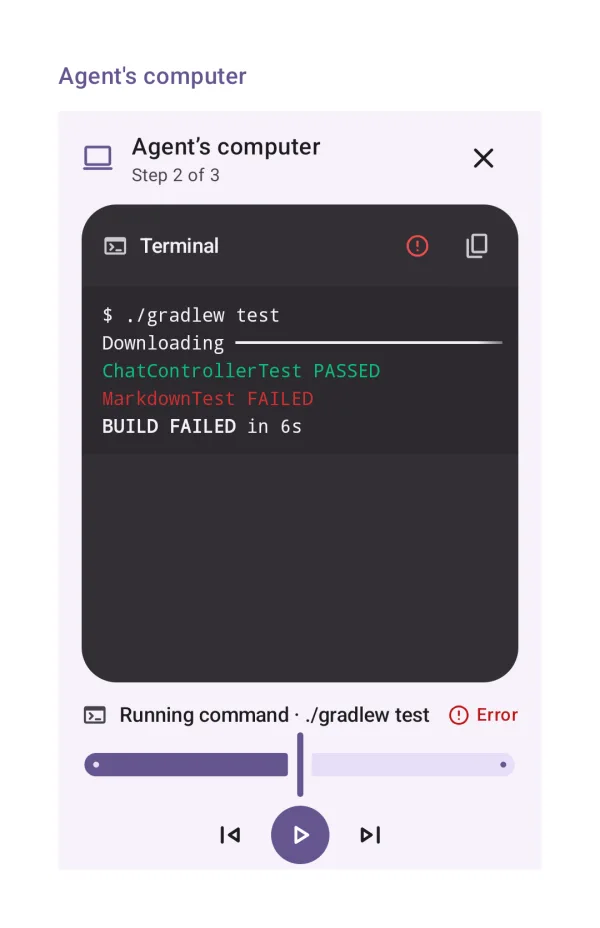
Every catalog entry includes a real screenshot, imports, a compiled example and API links. Browse all 65 examples →
Keep your backend and your design
- Use the level you need:
Chat,Conversation+PromptInput, or individual elements. - Customize rendering: theme tokens, tool/data renderers and your own attachment loader.
- Choose dependencies: UI depends only on the chat model; protocols and harness capabilities are separate artifacts.
- Use public protocols: AI SDK, AG-UI, MCP/MCP Apps, A2A, ACP and A2UI.
- Plan upgrades: stable public APIs are preserved from the first release; native Mermaid is explicit opt-in.