Message content
What a reply contains: Markdown, code, math, diagrams, reasoning and sources.
Markdown
GitHub-flavoured Markdown, rendered as it streams.
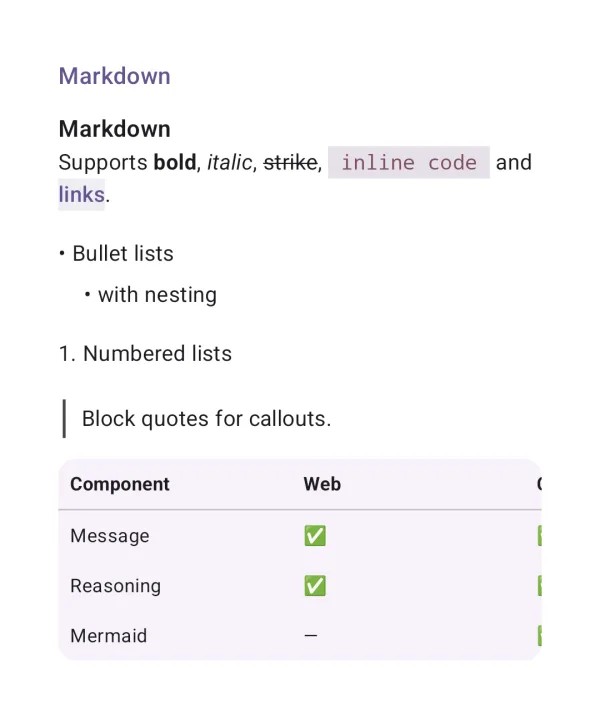
| API | MarkdownContent(markdown) |
| AI Elements | Response |
| Artifact | ai-elements-ui |
| Reference | MarkdownContent |
Pass the accumulated text, not just the latest token. streaming defers expensive rendering of incomplete content.
@Composable
fun MarkdownExample(text: String, streaming: Boolean) {
    MarkdownContent(text, streaming = streaming)
}
Code block
Code with syntax highlighting, a language label and copy.
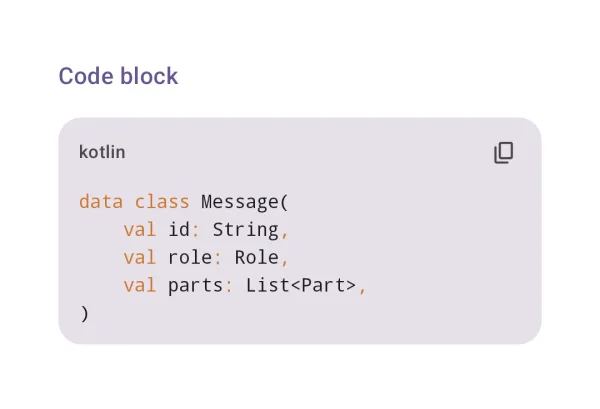
| API | CodeBlock(code, language) |
| AI Elements | CodeBlock |
| Artifact | ai-elements-ui |
| Reference | CodeBlock |
language controls syntax highlighting. The element provides copy; it does not execute code.
Math (KaTeX)
Inline and display math, offline.
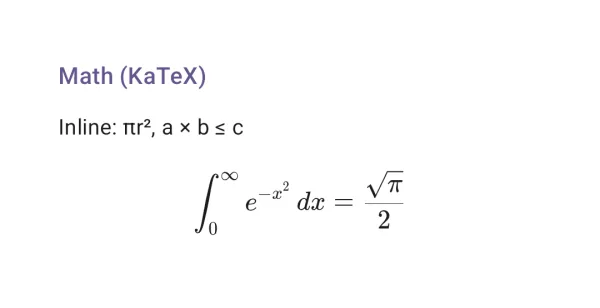
| API | MarkdownContent("$…$") |
| Artifact | ai-elements-ui |
| Reference | MathBlock |
Pass TeX without Markdown fences. For mixed prose use MarkdownContent with dollar delimiters. KaTeX assets are bundled offline.
Mermaid · flowchart
Mermaid diagrams, bundled and offline: a flowchart.
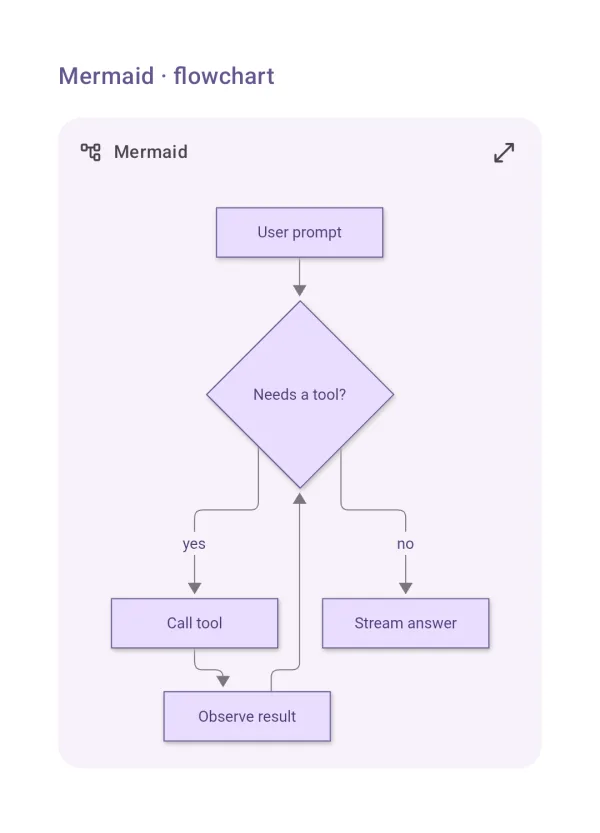
| API | MermaidDiagram(source) |
| Artifact | ai-elements-ui |
| Reference | MermaidDiagram |
Pass complete Mermaid source. The default WebView renderer works offline; the native renderer requires its optional artifact and experimental opt-in.
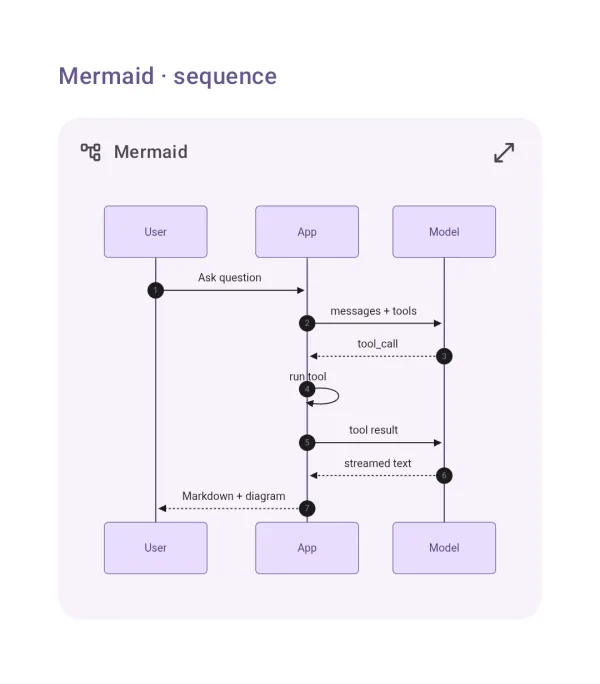
Mermaid · sequence
A sequence diagram.
| API | MermaidDiagram(source) |
| Artifact | ai-elements-ui |
| Reference | MermaidDiagram |
Pass complete Mermaid source. The default WebView renderer works offline; the native renderer requires its optional artifact and experimental opt-in.
import androidx.compose.runtime.Composable
import dev.ai.elements.ui.chat.Agent
import dev.ai.elements.ui.markdown.MermaidDiagram
@Composable
fun MermaidSequenceExample() {
    MermaidDiagram("sequenceDiagram\n  App->>Agent: Run\n  Agent-->>App: Reply")
}
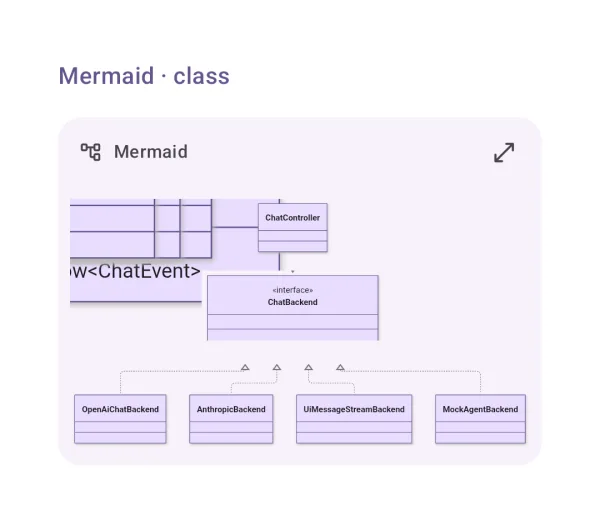
Mermaid · class
A class diagram.
| API | MermaidDiagram(source) |
| Artifact | ai-elements-ui |
| Reference | MermaidDiagram |
Pass complete Mermaid source. The default WebView renderer works offline; the native renderer requires its optional artifact and experimental opt-in.
import androidx.compose.runtime.Composable
import dev.ai.elements.core.model.Message
import dev.ai.elements.ui.markdown.MermaidDiagram
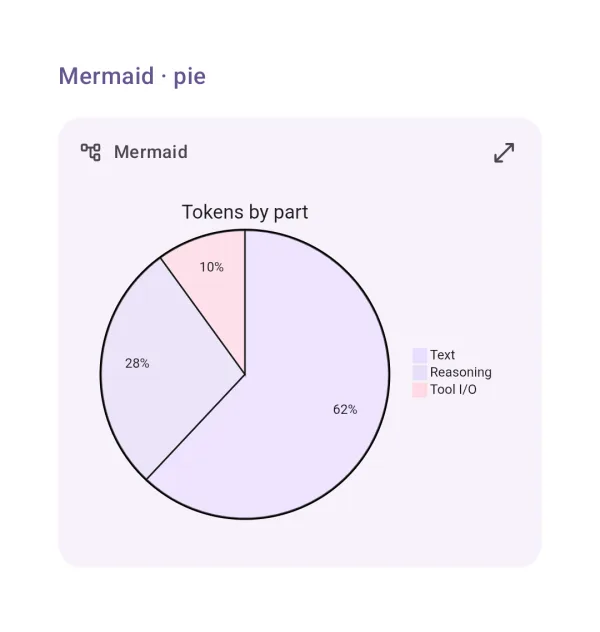
Mermaid · pie
A pie chart.
| API | MermaidDiagram(source) |
| Artifact | ai-elements-ui |
| Reference | MermaidDiagram |
Pass complete Mermaid source. The default WebView renderer works offline; the native renderer requires its optional artifact and experimental opt-in.
Mermaid · streaming
A diagram still streaming: the source, until it is complete.
| API | MermaidDiagram(source, complete = false) |
| Artifact | ai-elements-ui |
| Reference | MermaidDiagram |
Keep complete=false until the diagram closes; partial source is shown instead of repeatedly parsing an unfinished diagram.
@Composable
fun MermaidStreamingExample(source: String, complete: Boolean) {
    MermaidDiagram(source, complete = complete)
}
Reasoning
The model's thinking: one quiet line that expands.

| API | Reasoning(part) |
| AI Elements | Reasoning |
| Artifact | ai-elements-ui |
| Reference | Reasoning |
Use a stable part id. Set isStreaming while reasoning arrives; durationMs is elapsed time in milliseconds.
import androidx.compose.runtime.Composable
import dev.ai.elements.core.model.ReasoningPart
import dev.ai.elements.ui.chat.Reasoning
@Composable
fun ReasoningExample() {
    Reasoning(ReasoningPart("thinking", "Compare the alternatives", durationMs = 1500))
}
Sources
The sources a reply used.
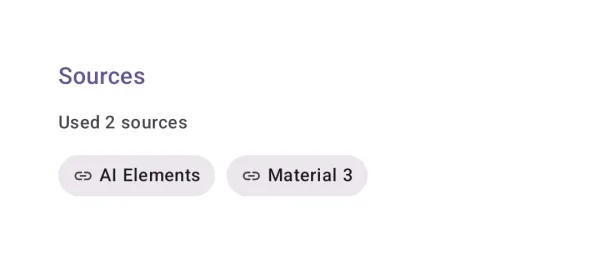
| API | Sources(sources) |
| AI Elements | Sources |
| Artifact | ai-elements-ui |
| Reference | Sources |
Source ids must remain stable. URLs open through LocalUriHandler; override it to route links in your app.
import androidx.compose.runtime.Composable
import dev.ai.elements.core.model.SourcePart
import dev.ai.elements.ui.chat.Sources
@Composable
fun SourcesExample() {
    Sources(listOf(SourcePart("docs", "https://kotlinlang.org/docs/", "Kotlin docs")))
}
Inline citation
[n] markers in the text, linked to their sources.
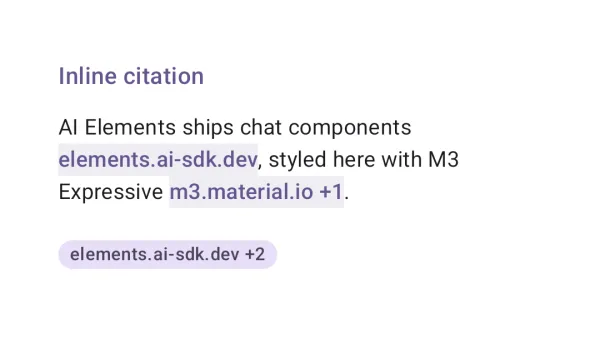
| API | MarkdownContent(text, citations), InlineCitation(sources) |
| AI Elements | InlineCitation |
| Artifact | ai-elements-ui |
| Reference | MarkdownContent |
Use the same source list for the answer and its citations. Citation markers are linked to source entries; this does not verify generated claims.